Tripo H3.1 Text to 3D
Tripo H3.1 Text to 3D creates a 3D mesh from an object description. With only a prompt connected, it generates one model using the settings shown in Studio.
Studio uses Tripo H3.1 through fal's text-to-3D API.
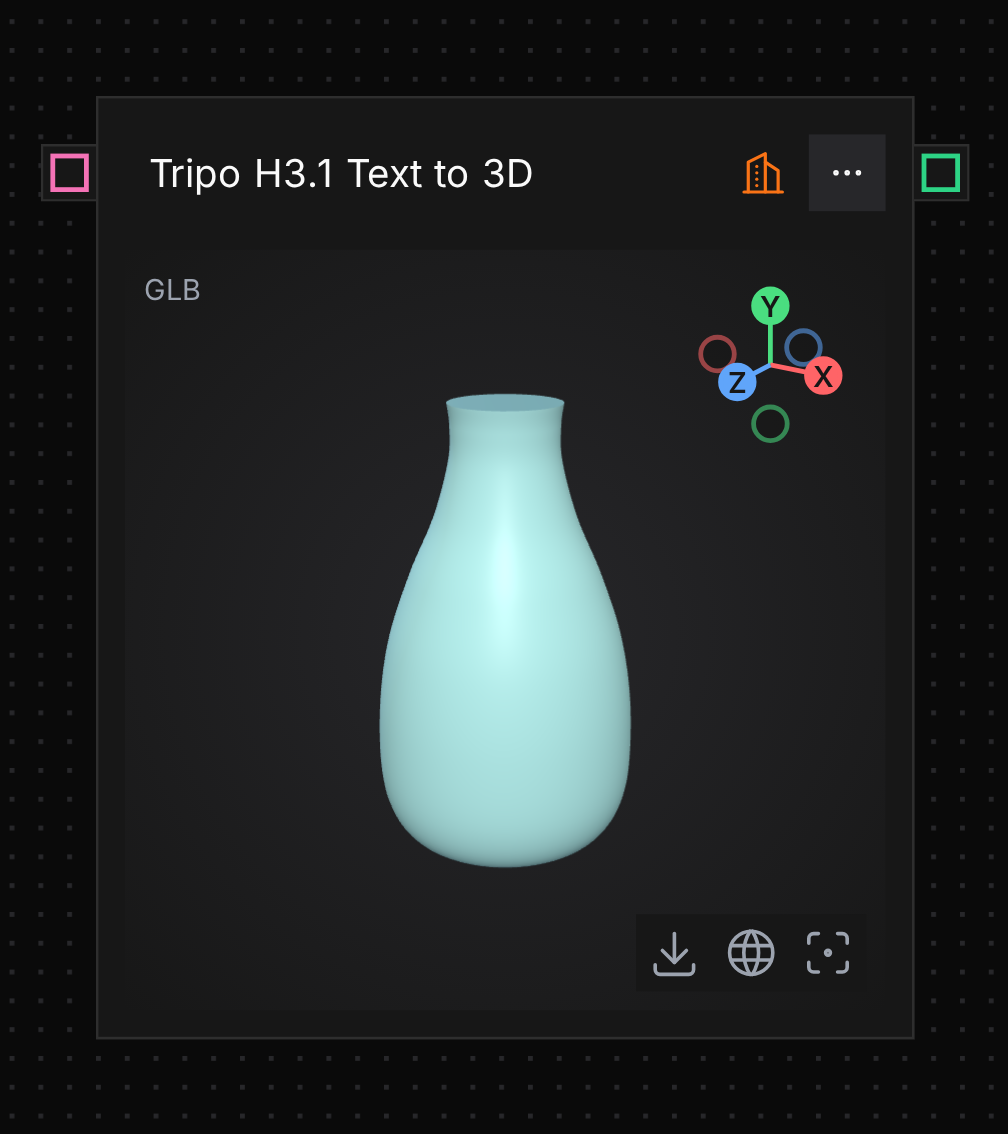
Tripo H3.1 Text to 3D with an illustrative vase result.
Create an object
- Add Tripo H3.1 Text to 3D to your Graph.
- Connect Text Input to Prompt.
- Describe the object, such as “A rounded terracotta vase with a narrow neck and a flared rim.”
- Select the Tripo Node to open its settings.
- Choose Topology and Materials for the mesh you need.
- Select Run Selected.
- Inspect the Mesh output in the Node's 3D preview.
Prompt accepts at most 1,024 Unicode code points, as described in String limits. Longer prompts block the Run. Use Negative Prompt for features to avoid, such as “handles, lettering.” You can expose this setting as a String input and connect another Text Input.
Inputs and outputs
| Inputs |
|---|
| Prompt String Required object description. |
| Negative Prompt String Optional · Exposable setting Features to avoid. |
| Outputs |
|---|
| Mesh Mesh3D One generated object with optional textures and materials. |
The returned mesh file can be GLB or FBX. Studio preserves the returned format; this Node has no format selector. Quad output can use FBX. It returns the model itself, without separate preview-image or alternate-model outputs.
Choose geometry and materials
| Setting | What it changes |
|---|---|
| Topology | Requests triangles, with three sides per face, or quads, with four. |
| Geometry Quality | Requests standard or detailed geometry. This also changes the maximum triangle face target. |
| Materials | none requests geometry without textures. textured adds textures. pbr adds textures and physically based materials, which describe how a surface responds to light. |
| Texture Quality | Requests standard or detailed textures when materials include textures. |
| Estimate Real World Scale | Requests an estimate of the object's physical size in meters. |
| Seed | Sets the same seed for the image, geometry, and texture generation stages. Accepted integers run from 0 to 2,147,483,647. |
For shared seed controls, see Working with Nodes.
Target Faces
A face is one polygon in the mesh. Leave Target Faces on Auto to let the model choose the count, or enter a target within these limits:
| Topology and geometry quality | Accepted target |
|---|---|
| Triangles, standard | 1,000–1,500,000 |
| Triangles, detailed | 1,000–2,000,000 |
| Quads, either quality | 1,000–150,000 |
Changing to quads can make an existing triangle target too large. Lower the target or return it to Auto before running. The target requests a face count; it does not guarantee that exact count in the result.
Compare a concept in 2D and 3D
Connect one Text Input to both Tripo and Z-Image Turbo. This produces an image and a mesh from the same description so you can compare their interpretations.
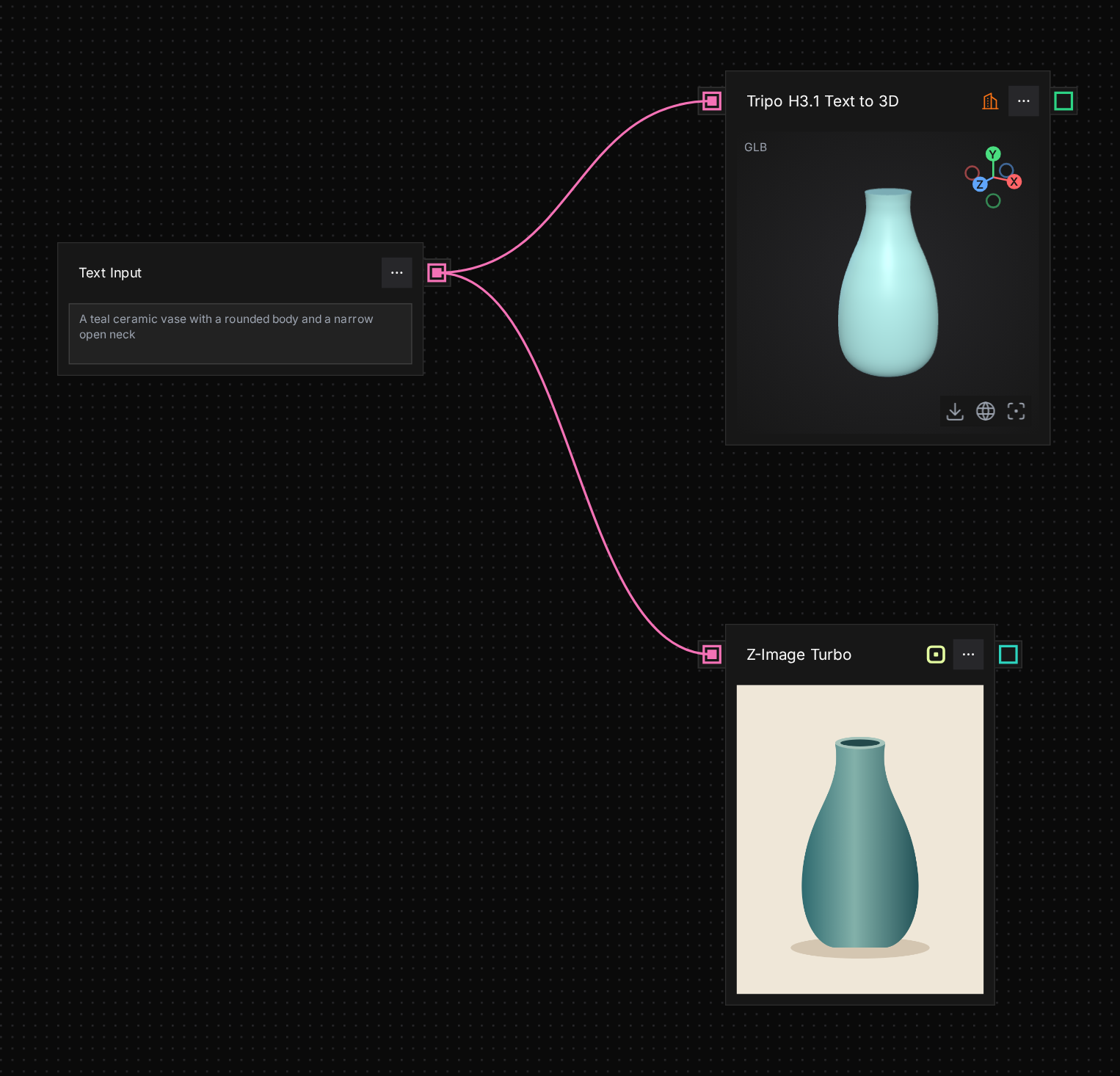
Tripo H3.1 Text to 3D used to explore a vase design alongside Z-Image Turbo; both results are illustrative.
The two branches generate independently. To base the mesh on the image instead, connect that image to Tripo H3.1 Image to 3D. The current Node catalog has no input that accepts an existing Mesh3D; see Mesh3D compatibility.