Flux 3 Max (on fal)
Flux 3 Max generates video from a text prompt. With no image connected, it creates the scene from your description; optional Model Extensions let you supply opening and ending frames or timed keyframes.
Studio uses fal's FLUX 3 Max, a variant of FLUX 3 Video.
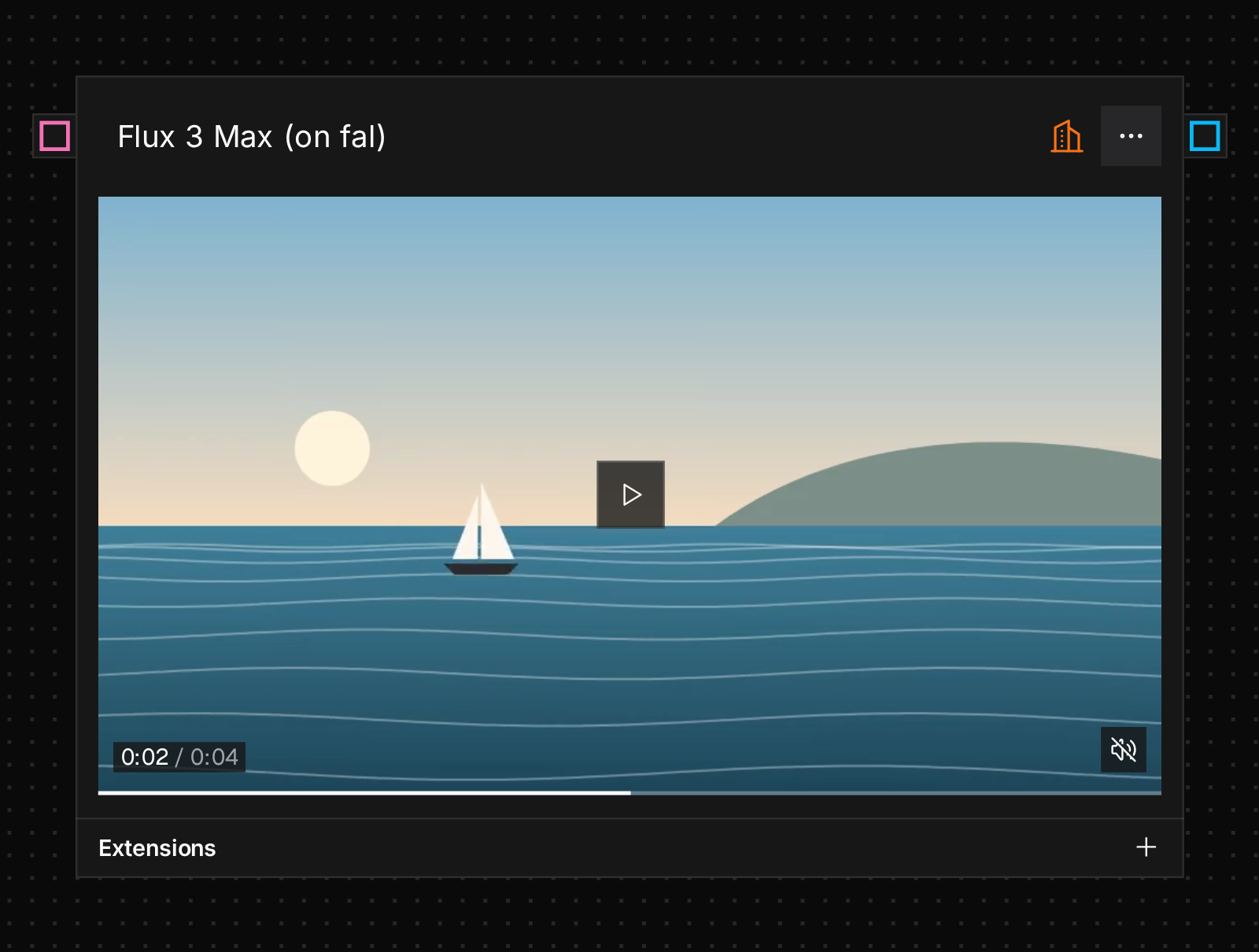
The video is illustrative placeholder media, not a checked generation result.
Generate a clip
- Add Flux 3 Max (on fal) to your Graph.
- Connect Text Input to Prompt and describe the scene and motion.
- Select the Node and choose Duration, Resolution, and Aspect Ratio.
- Set Generate Audio according to whether you want sound in the generated clip.
- Run the Node and inspect its Video output.
The prompt must contain text. Images guide generation but do not replace the prompt.
Animate an image
- Add the First Frame Model Extension.
- Connect an Image to First Frame.
- Describe the movement in Prompt, then run the Node.
To choose how the clip ends, also add Last Frame and connect another image. Last Frame requires First Frame. Aspect Ratio still applies when images guide the clip.
Set timed keyframes
Use Keyframe extensions when you want images at particular times during the clip. This is a separate mode from First Frame and Last Frame; remove those extensions before adding timed keyframes.
- Add a Keyframe extension and connect its image.
- Set its time in seconds in the Node's settings.
- Repeat for additional images, up to ten keyframes.
- Run the Node and inspect the motion between them.
Each keyframe time must be finite and fall between 0 and Duration, inclusive. Studio orders the images by time. A time without its image is invalid.
Studio rounds times to frame positions on a 24-frame-per-second timeline. Two keyframes must resolve to different positions: 0 and 0.02 seconds collide, while 0 and 1 second do not. Separate their times if Studio reports a collision.
Limits and output
| Item | Requirement |
|---|---|
| Duration | A whole number from 5 to 20 seconds. |
| Resolution | 720p or 1080p. The selected aspect ratio also affects the picture dimensions. |
| Opening and ending images | At most one of each; an ending image requires an opening image. |
| Timed keyframes | At most ten, used separately from opening and ending images. |
| Conditioning images | Studio reduces images larger than 4,000,000 pixels while preserving their proportions. Shared Image limits also apply. |
The output is a Video. Generate Audio requests sound within that video; there is no separate Audio output. Use Extract Audio when another Node needs its soundtrack as an Audio value.
Resolution names describe size presets. Check the completed video's dimensions and timing before using it in a Graph that requires exact values.
Give a generated clip a soundtrack
Connect Video to Set Video Audio and add a recording from Audio Input to replace the clip's soundtrack.
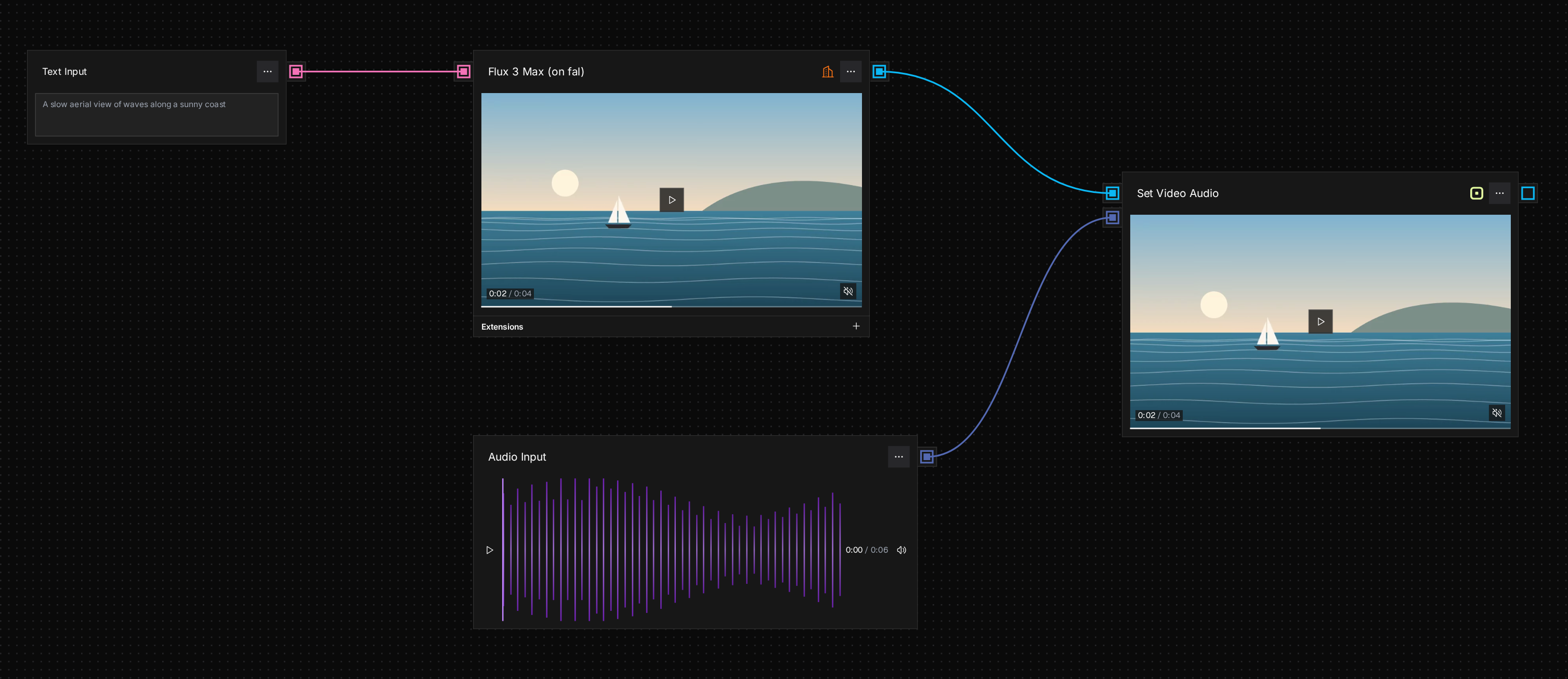
Flux 3 Max used to create a coastal clip with a chosen musical soundtrack; all media and generated outputs are illustrative.