Wan 2 VAE Decode
Wan 2 VAE Decode turns Wan latent data into a video you can watch. It decodes the full picture and frame sequence, using Fps to set playback speed. The result has no soundtrack.
Studio uses the VAE from the official Wan 2.1 release.
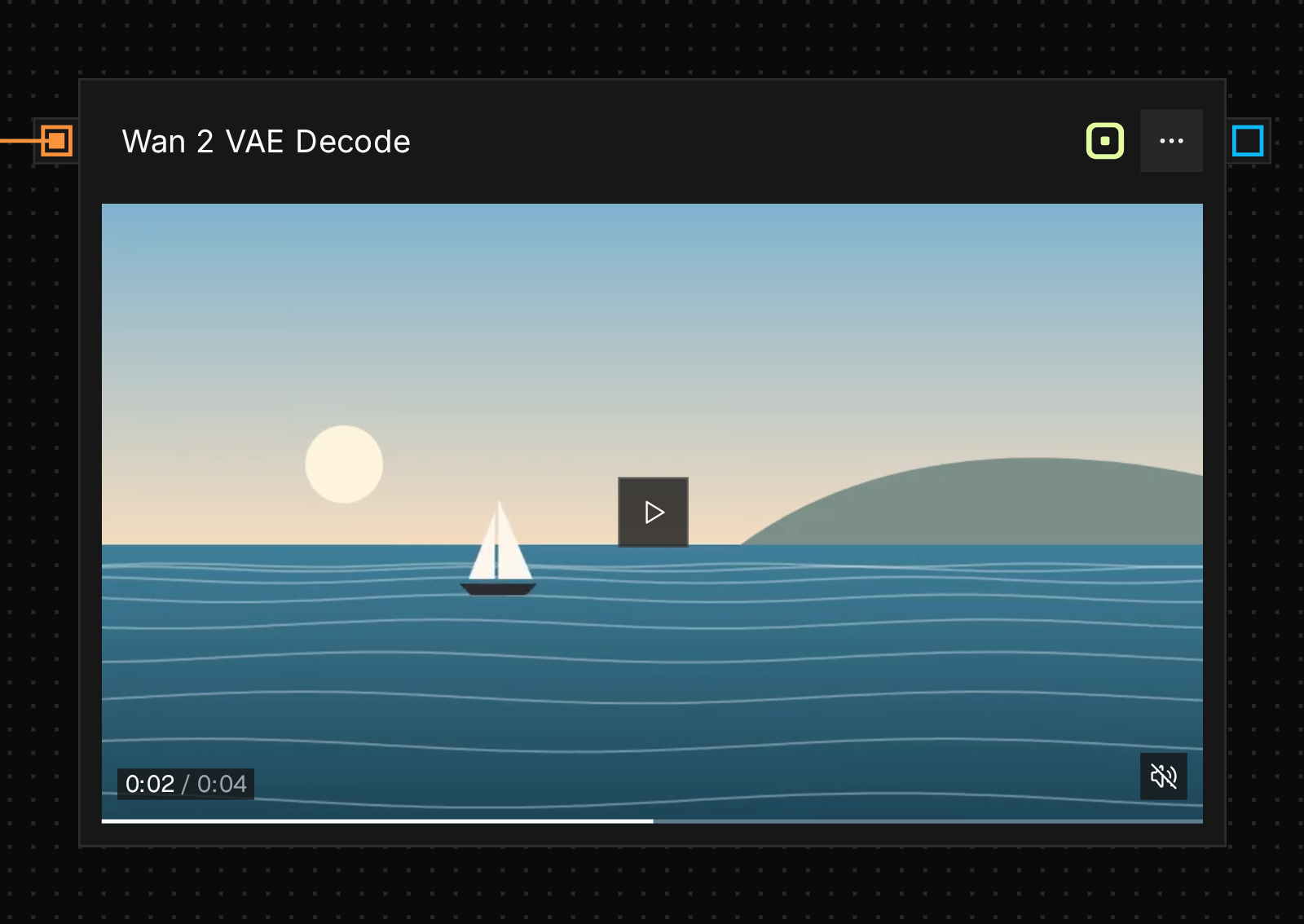
The video is an illustrative placeholder, not a checked decoding result.
Decode a clip
- Add Wan 2 VAE Decode to your Graph.
- Connect Latent from Wan VAE Encode, or a compatible Wan generation Node's Latent I/O output, to Latent.
- Select the decoder and enter Fps in its settings.
- Run the decoder and inspect its Video output.
Use a frame rate from 1 to 60, entered as a whole number. A higher frame rate plays the same frames faster; it does not create extra frames. For example, 81 frames last 5.0625 seconds at 16 fps and 2.7 seconds at 30 fps.
If the latent came from Wan VAE Encode, the result can include padded edges or repeated final frames added by the encoder. Decoding does not remove that padding or restore the original soundtrack.
Reverse the latent compression
The Latent input accepts the normalized, 16-channel Tensor representation shared by Wan 2.1 and Wan 2.2 A14B. Decoding reverses 8× spatial compression on each axis and 4× temporal compression after the first frame. These factors describe axes, not file-size reduction.
See Compression ratio and latent convention for the normalization formula, model scope, and official implementation. The decoder reverses the per-channel normalization before reconstructing pixels; supply the normalized output directly. An unrelated model's Tensor is not interchangeable.
Its shape must be [16, T, H, W], with every dimension greater than zero and 32-bit floating-point values. T is the number of latent time positions; H and W are the latent height and width.
| Result | How it follows from the latent |
|---|---|
| Width | 8 × W pixels |
| Height | 8 × H pixels |
| Frame count | 4 × (T − 1) + 1 |
| Color | RGB |
| Soundtrack | Silence |
For example, [16, 21, 90, 160] decodes to 81 frames at 1,280 × 720 pixels. Fps determines how long those frames play.
Limits
The decoded picture must be at least 32 pixels per side, at most 4,096 pixels per side, and at most 4,194,304 pixels in total. Longer clips leave less room for large pictures.
The combined size check is ceil(W / 2) × ceil(H / 2) × T ≤ 344,064, using the latent dimensions above. ceil means round up to the next whole number. For example, a 2,048 × 2,048 result fits this check with 81 frames, but not with 85 frames.
The shared Tensor and Video size limits also apply. Reduce the latent's picture size or frame count upstream if the requested result is too large; changing Fps does not reduce the number of pixels or frames decoded.
Give a latent clip a soundtrack
Connect the decoded Video to Set Video Audio, then supply music or narration from an Audio output.
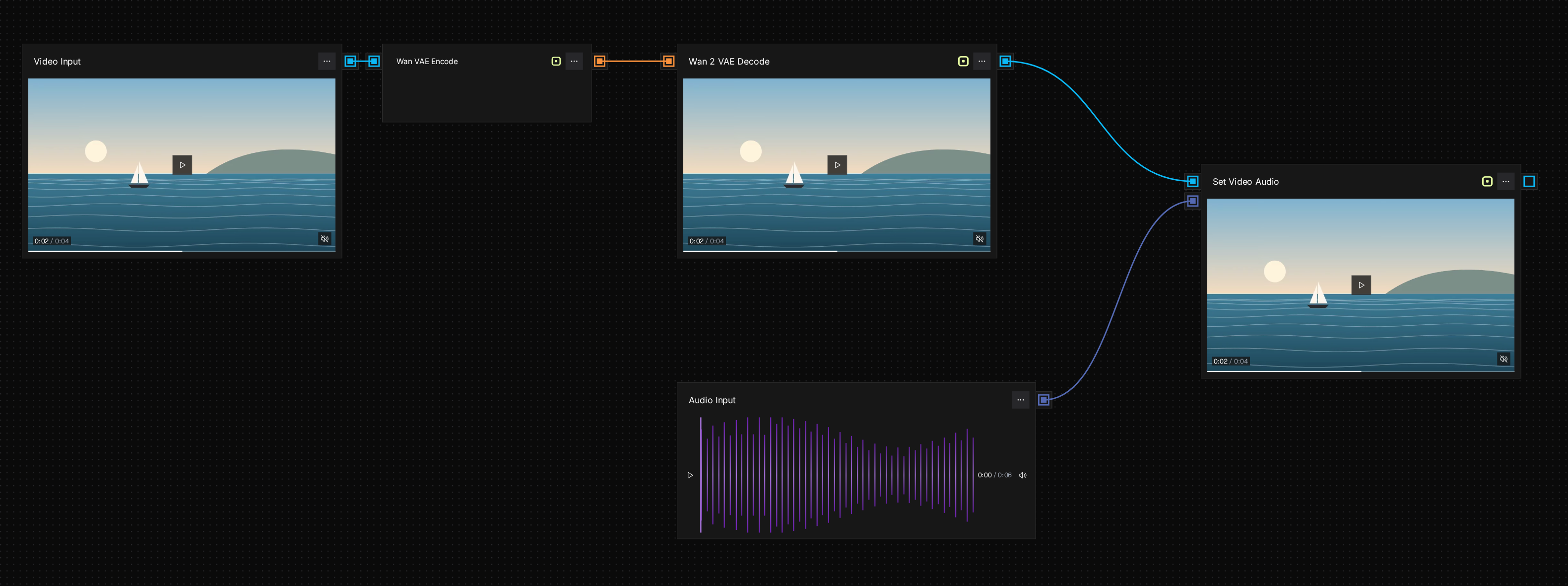
Wan 2 VAE Decode used to turn latent footage into a coastal clip with a soundtrack; media and results are illustrative.