Wan2.2 VACE-Fun
Wan2.2 VACE-Fun creates video from text and optional visual guidance. With only Prompt supplied, it generates a new clip; connect a conditioning video and mask to guide which areas it changes.
Studio uses Alibaba PAI's Wan2.2 VACE-Fun A14B model.
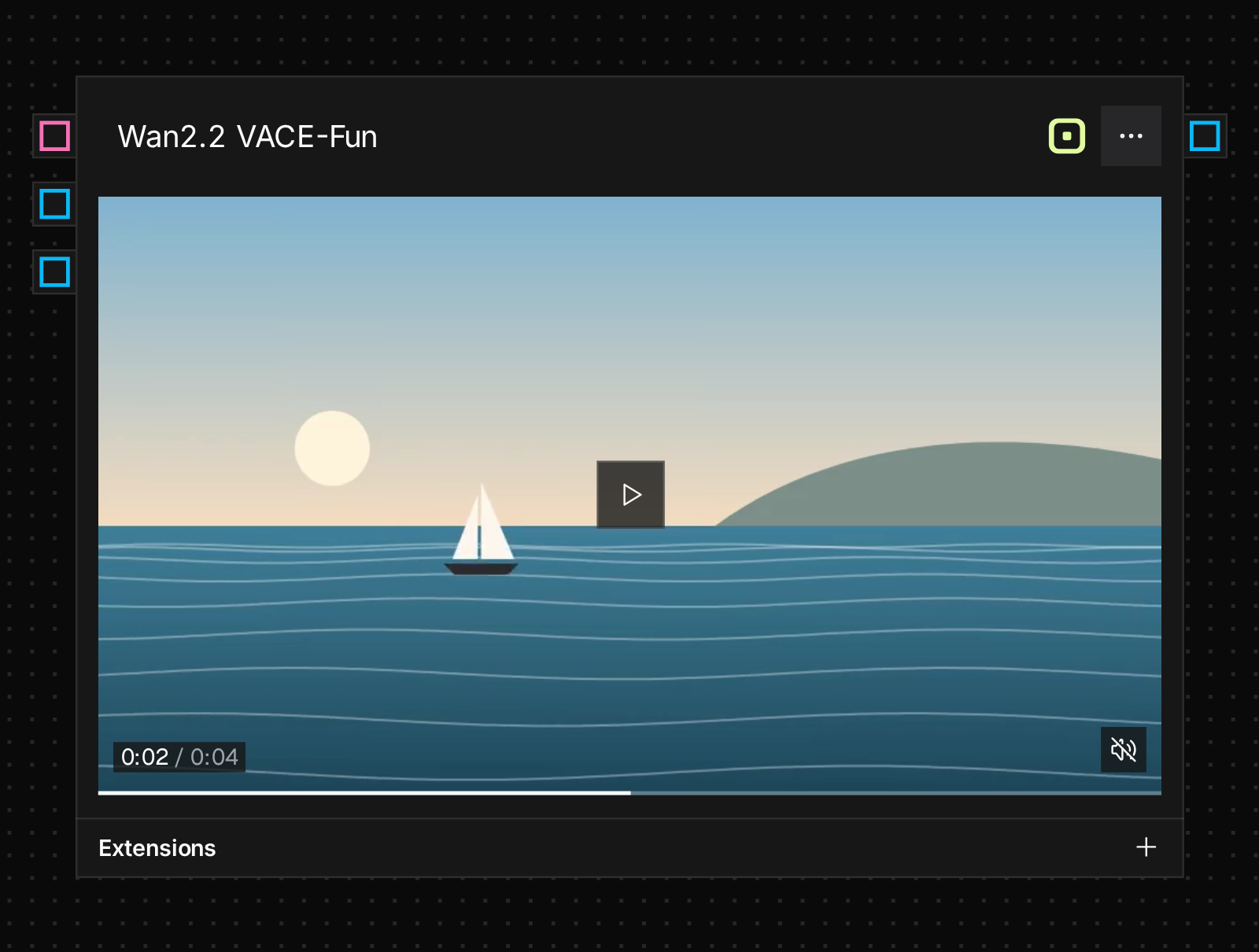
The video is illustrative placeholder media, not a checked generation result.
Generate a clip
- Add Wan2.2 VACE-Fun to your Graph.
- Connect Text Input to Prompt and describe the scene and motion.
- Choose the dimensions and Frame Count in the Node's settings.
- Run the Node and inspect its Video output.
The output is RGB video at 16 frames per second, without sound. Use Set Video Audio to add a soundtrack.
Guide an edit with video
- Connect a clip to Conditioning Video.
- Describe the result you want in Prompt.
- To limit the changed area, connect a matching mask clip to Mask Video.
- Adjust VACE Conditioning Strength, then run the Node.
White mask areas are marked for change; black areas provide the surrounding context. Studio turns the mask into a binary selection: values greater than 0.5 become white. Without a mask, the whole frame is marked for change. A Mask Video requires a Conditioning Video.
These inputs guide generation; they do not perform a pixel-exact cutout. Use Mask Video when you want to apply a mask directly to existing frames.
Match the source and mask
Studio scales the conditioning video to fill the output dimensions, then crops it from the center. It first fits the mask to the conditioning video's dimensions, then applies the same crop.
Frames match by their position in the clip, without resampling to match frame rates. The output still plays at 16 fps, so a source with a different frame rate can change apparent speed. Use matching dimensions, frame counts, and frame rates when preparing a source and mask.
Excess input frames are trimmed. Missing conditioning frames become neutral gray with the whole frame marked for change. Missing mask frames are white, including every frame beyond the end of the conditioning video. Studio reports warnings when it adapts these inputs.
Add subject references
Add up to three Image Reference Model Extensions, then connect the subject images in the desired order. These can accompany text, conditioning video, and a mask.
Studio preserves each reference's aspect ratio, scales it to fit, and centers it on a white canvas. References guide the subject; they are not inserted as extra frames in the output. Each reference adds to the combined processing limit below.
Adjust guidance and sampling
| Setting | Meaning and requirement |
|---|---|
| VACE Conditioning Strength | Strength of visual guidance, separate from text guidance. Must be finite and between 0 and 2, inclusive. |
| Inference Steps | Length of the sampling process. Must be a positive whole number. |
| Sampler | Choose Euler or UniPC. |
| Shift | Adjusts the sampling schedule. Must be finite and greater than zero. |
| Seed | Use a fixed seed to retain the random starting point, or random mode for a new one when the Node executes. |
Add Guidance to expose Negative Prompt, CFG (High Noise), and CFG (Low Noise). The CFG values control text guidance during the two generation stages and must be finite. Supplying a Negative Prompt replaces the model's built-in negative prompt; an empty String clears it.
Use latent data
Add Latent I/O to expose the input and output for normalized Float32 Wan latents shaped [16, T, H, W]. See Wan compression and latent convention for the axes and normalization. A connected latent supplies the starting state and determines dimensions and frame count; the corresponding settings are disabled. Odd latent width or height is extended to the next even size.
Use Wan VAE Encode to prepare compatible latent data. The output latent contains the generated clip without the subject-reference prefixes and before video cropping. Wan 2 VAE Decode turns it into video at a chosen frame rate.
Dimensions and limits
| Input or output | Limit |
|---|---|
| Prompt and Negative Prompt | Each is tokenized to at most 512 tokens; excess text is truncated. Tokens are not the same as characters. |
| Frame Count | A positive whole number of the form 4n + 1, such as 65 or 81. A connected latent determines it instead. |
| Processed dimensions | At most 4,096 pixels per side and 4,194,304 pixels per frame. |
| Subject references | At most three images. |
| Combined dimensions, frames, and references | At most 302,400 sequence tokens, calculated below. |
Processing rounds width and height up to multiples of 16. With dimensions entered in settings, Studio crops the result back to the requested size. A connected latent produces the aligned size.
The combined budget is:
ceil(width / 16) × ceil(height / 16) × (1 + (frames − 1) / 4 + reference_count) ≤ 302400
Here, ceil means round up to the next whole number. Reduce resolution, duration, or reference count if the combination is too large. General Video, Image, and Tensor limits also apply.
Guide a coastal scene edit
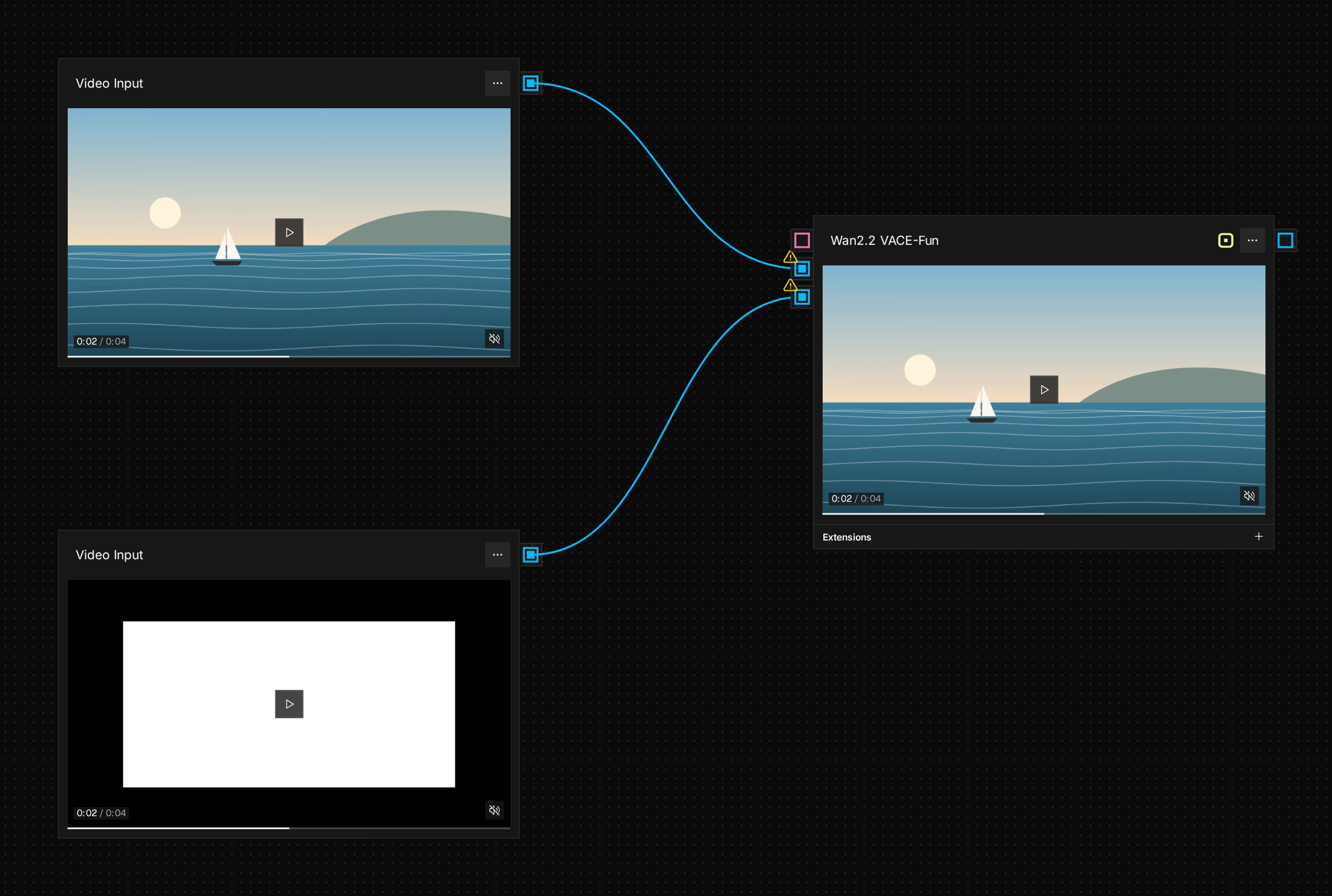
Wan2.2 VACE-Fun used to guide changes to part of a coastal scene; all media and generated results are illustrative.
The top clip supplies the scene. The bottom clip marks the area to change in white. The warning icons indicate that Studio adapts the clips to the output frame count and playback rate.