SAM3 Image
SAM3 Image creates a black-and-white mask of objects in an image. With an image and a text description, it selects matching objects and combines them into one mask. Add points when you want to select a particular object.
Studio uses Meta's SAM 3 model.
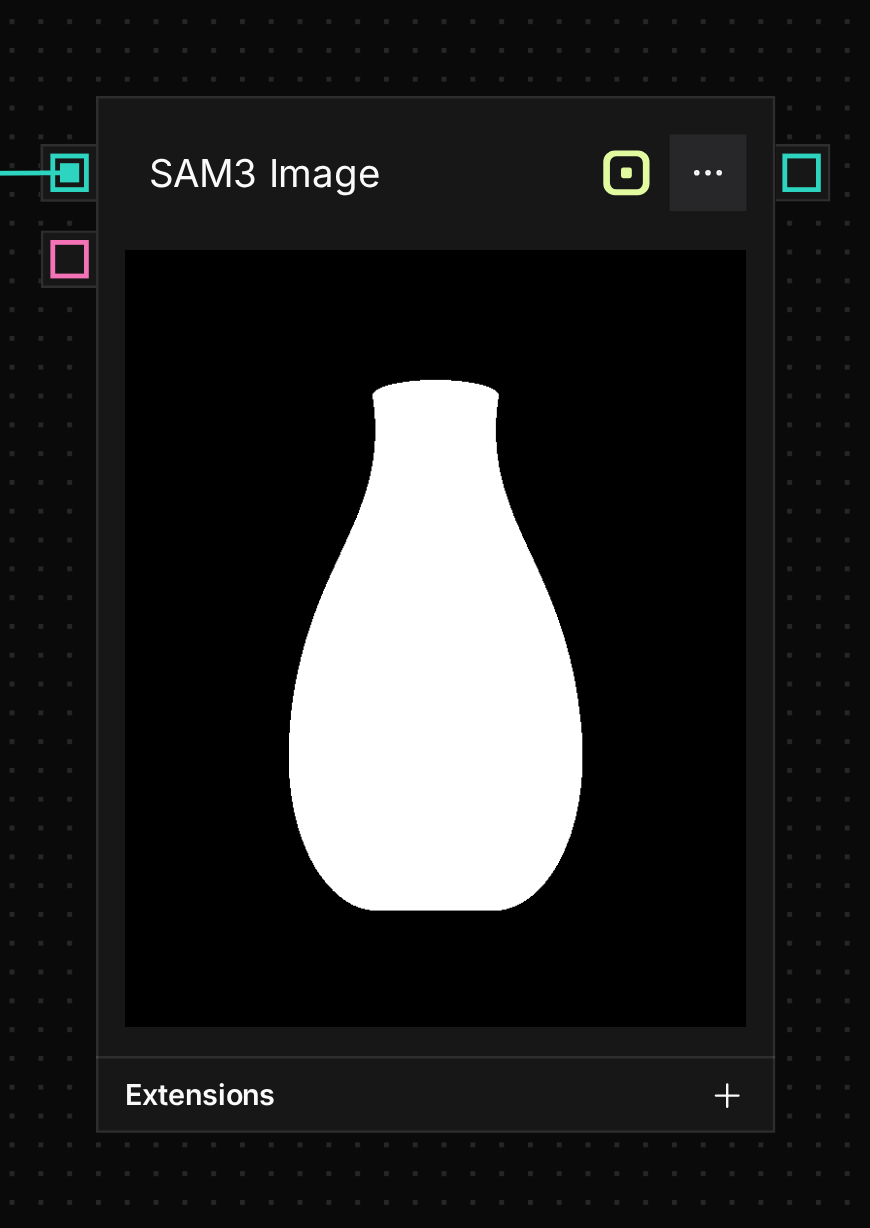
The vase mask is an illustrative result, not a checked model prediction.
Select objects with text
- Connect Image Input or another image source to Image.
- Connect Text Input to Text and describe what to include, such as “ceramic vase”.
- Run SAM3 Image and inspect Mask.
- Adjust Confidence Threshold if the mask includes too many or too few matching objects.
A higher threshold keeps fewer text detections. A detection must score strictly above the threshold to be included. Multiple matching objects share one mask; the Node does not return a separate mask for each object.
Select an object with points
- Connect the same source image to Points Editor.
- Mark the object with positive points and nearby areas to exclude with negative points.
- Add SAM3 Image's Points Model Extension.
- Connect the editor's Positive points and Negative points outputs to the matching inputs.
- Supply an empty Text value to select only the pointed object, then run SAM3 Image.
At least one positive point is needed for point-based selection. Negative points alone select nothing. Confidence Threshold does not filter the point-selected object.
If you also supply a text description, the final mask combines the text matches and the point-selected object. Negative points refine the point-selected object; they do not remove text matches from the combined mask.
Make a product cutout
Send Mask to Mask Image together with the original image. Choose Transparent as its background to hide the unselected area.
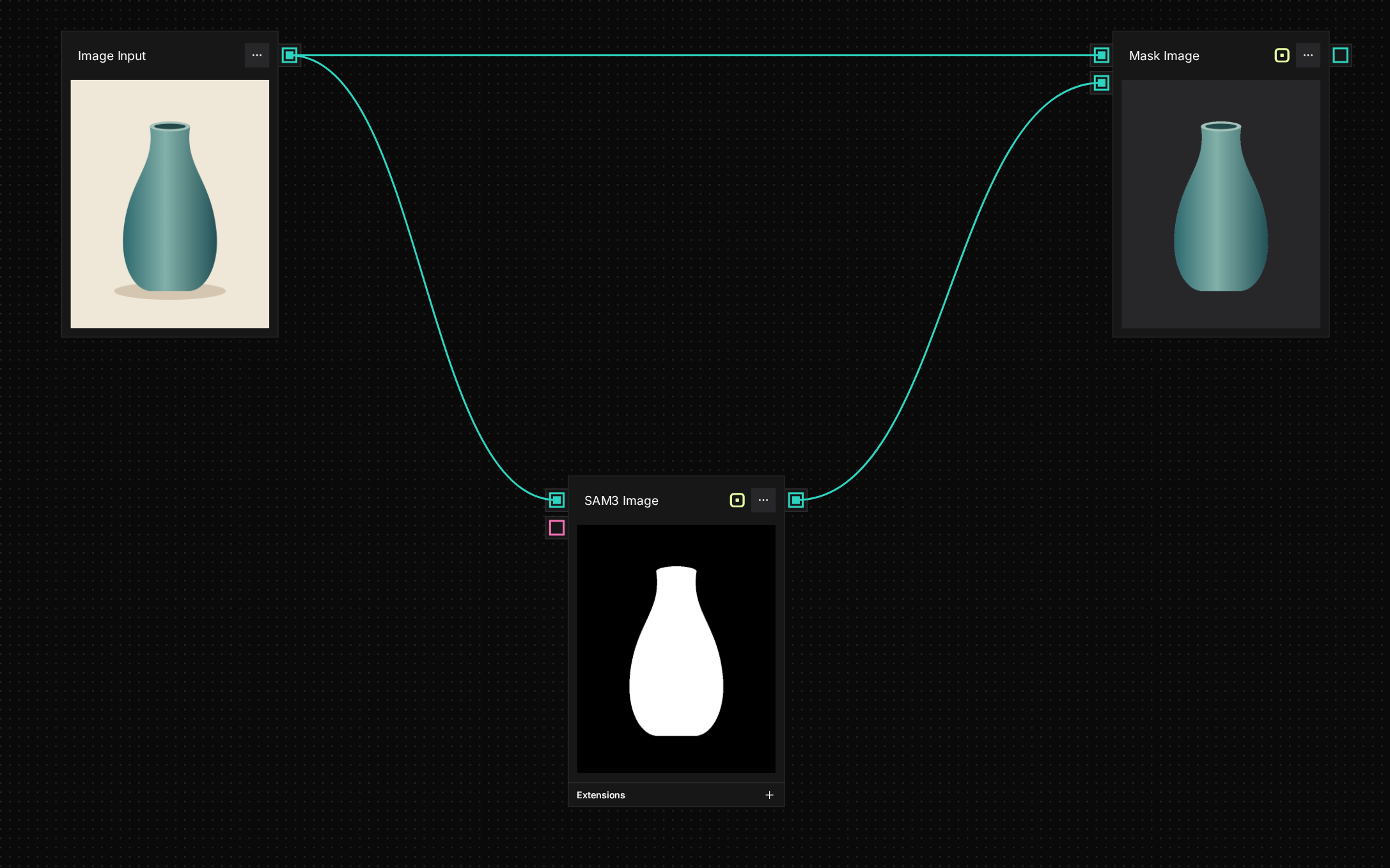
SAM3 Image used to cut a vase out of its background; the image, mask, and cutout are illustrative.
Inputs, output, and limits
| Port or setting | Meaning and limits |
|---|---|
| Image | An Image from 32 to 4,096 pixels on each side. Resize larger images before connecting them. |
| Text | A String describing the objects. Only the first 30 content tokens are used; tokens are words or parts of words. Longer text is shortened without a truncation warning. |
| Confidence Threshold | A finite number from 0 to 1, inclusive. Applies only to text detections. |
| Positive points / Negative points | Optional PointsList2D values exposed by the Points extension. They refer to the source image. |
| Mask | One binary Image with the source image's width and height. White includes an area; black excludes it. |
The Mask output has one semantic channel. If nothing matches, the result is black. To change the source image's pixels, connect the mask to a Node such as Mask Image; SAM3 Image supplies the selection itself.
Empty text without positive points is accepted with a warning and still runs. Supply a short description or positive points to make the intended selection clear. General Image limits and Run size limits also apply.
Related pages
- Points Editor
- Mask Image
- Draw Mask — paint a selection yourself.
- Resize Image
- SAM3 Video — the staging-only video reference.