VoxCPM2
VoxCPM2 turns text into speech. With only Text supplied, it generates a new recording; optional Model Extensions let you describe a voice, supply a voice reference, or continue an existing recording.
Studio uses OpenBMB's VoxCPM2 model.
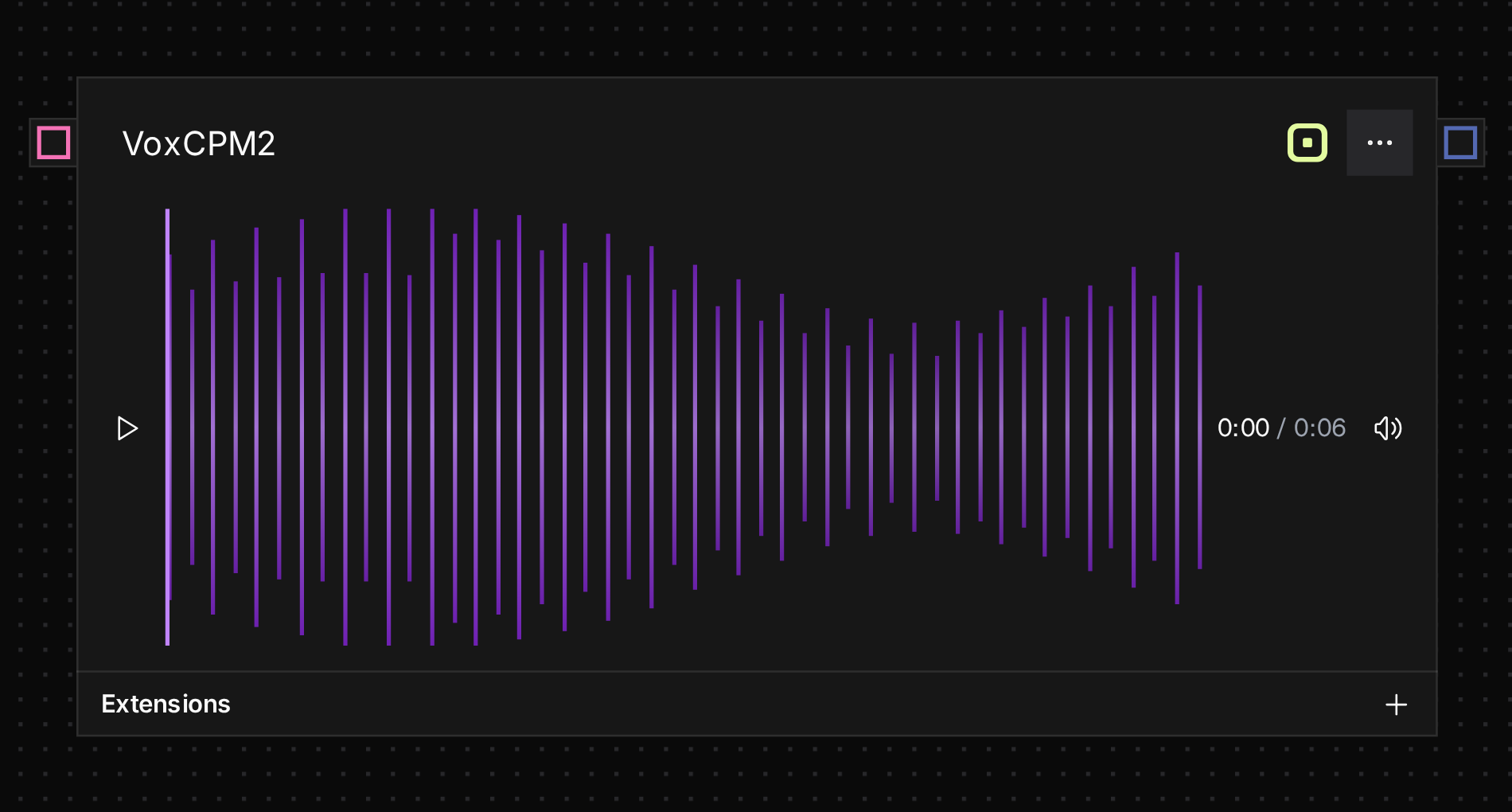
The waveform is illustrative placeholder audio, not a checked speech-generation result.
Generate speech
- Add VoxCPM2 to your Graph.
- Connect Text Input to Text and enter the words to speak.
- Select VoxCPM2 and set Maximum Duration to allow enough time for the speech.
- Run the Node, then play its Audio output.
Text is the speech content. To describe how it should sound, use Voice / Style rather than adding those instructions to the words being spoken.
Guide the voice
Add a Model Extension from the Node's Extensions menu.
| Extension | What to supply | Effect |
|---|---|---|
| Voice / Style | A text description, such as “A calm narrator speaking slowly.” | Guides the voice and delivery. |
| Audio Reference | A recording through Reference Audio. | Guides the voice using the recording; no reference transcript is required. |
| Continuation | The original recording through Continuation Audio, plus its words through Continuation Transcript. | Generates speech after the original recording. |
Audio Reference can accompany Voice / Style or Continuation. Voice / Style and Continuation cannot be used together.
Continue a recording
- Add the Continuation extension.
- Connect the original recording to Continuation Audio.
- Supply its transcript to Continuation Transcript.
- Supply the new words to Text, then run the Node.
Both continuation inputs must be present. The Audio output contains the full original recording followed by the new speech. The additional Generated Audio output contains only the new speech. Maximum Duration limits the new part, not the length of the combined recording.
Settings and limits
| Setting | Meaning and limits |
|---|---|
| Maximum Duration | A whole number from 1 to 900 seconds. Generation can stop earlier. If it reaches the limit, speech can end mid-word. |
| Inference Steps | A whole number from 2 to 30 controlling the generation process. |
| Guidance | A finite number controlling guidance strength. Studio does not impose a narrower numeric range. |
| Seed | Choose a fixed seed to retain the random starting point, or random mode for a new one when the Node executes. |
Speech is generated in 160-millisecond increments. Studio pads generated clips shorter than one second with silence to make a one-second output.
Studio uses at most the first 30 seconds of Reference Audio and the last 30 seconds of Continuation Audio to guide generation. Long text or a large generation budget can leave less room for these recordings and for Voice / Style. Studio then shortens or omits conditioning and reports a warning. It can also shorten the end of Text when it does not fit.
Shortening continuation conditioning does not remove anything from the original recording in Audio. The accompanying transcript is shortened approximately, so it can lose alignment with the retained audio. Use a short recording with an accurate transcript when continuation behaves unexpectedly.
Empty text is accepted, but it does not request a useful spoken passage. Check the output and any warnings before using the result.
Add narration to a video
Connect Audio to Set Video Audio alongside a clip from Video Input.
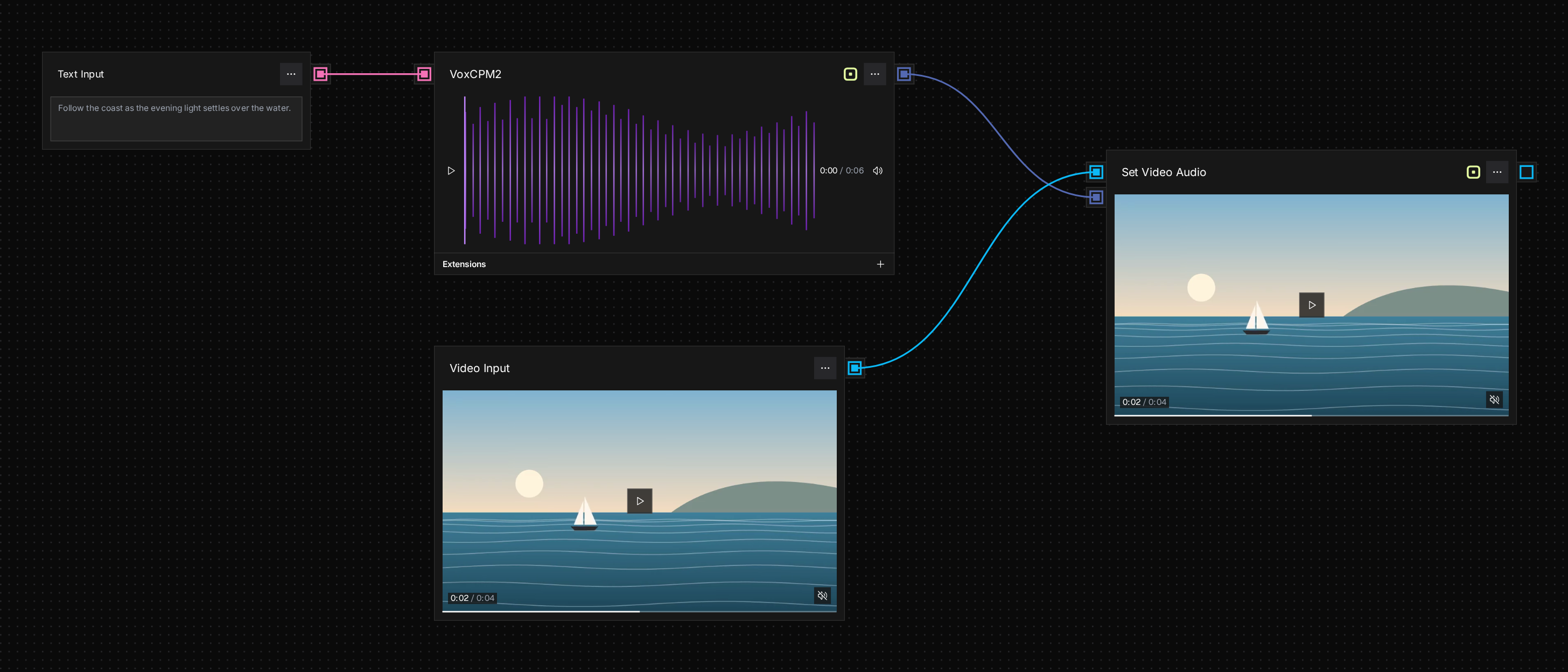
VoxCPM2 used to narrate a coastal video; the audio, video, and resulting soundtrack are illustrative placeholders.