MiniMax H3 Max (on fal)
MiniMax H3 Max creates video with sound from a prompt. With only Prompt connected, it creates a new scene; optional images, video, and audio guide the result.
H3 Max is fal's adapted version of MiniMax H3. This page describes the controls available in Lightforest.
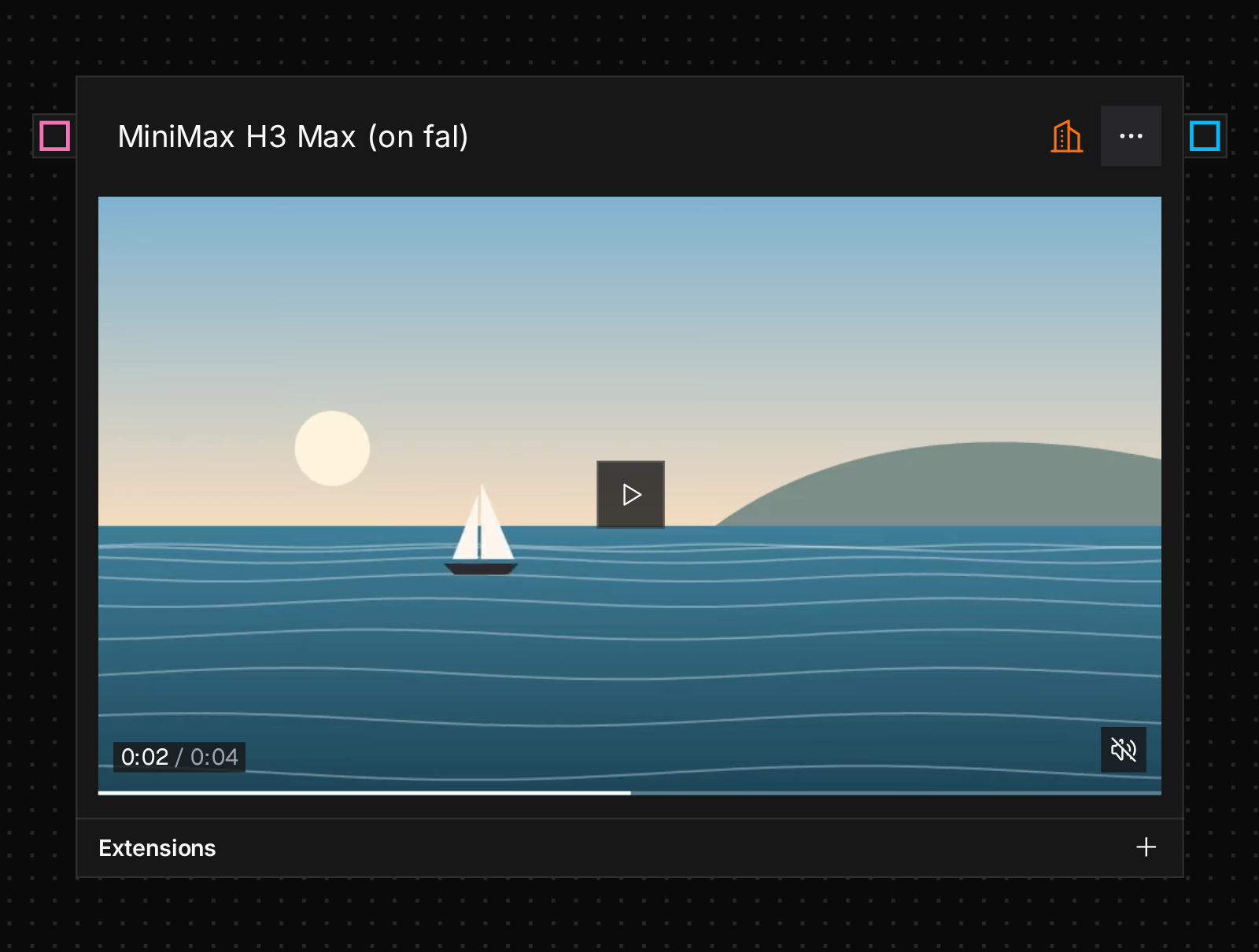
The preview shows the Video output. The result is illustrative.
Create a video from text
- Add MiniMax H3 Max (on fal) to your Graph.
- Connect Text Input to Prompt.
- Describe the scene, action, camera movement, and sound.
- Set Duration, Resolution, and Aspect Ratio in the sidebar.
- Select the Node.
- Select Run Selected.
For example: “A slow aerial shot along a rocky coast at sunset. Gentle waves roll onto the beach. Soft surf and distant seabirds.” This is an illustrative prompt.
Prompt accepts 1–50,000 characters. Duration accepts whole seconds from 5 to 15. The delivered video can be slightly longer because its length is aligned to frames.
Guide the opening and ending
Use Model Extensions to add optional inputs from the + button in Extensions.
- Add First Frame.
- Connect an image from Image Input or an image-generating Node.
- Describe how the scene moves in Prompt.
- Optionally add Last Frame and connect an ending image.
- Run the Node.
Last Frame requires First Frame. The keyframe image determines the output shape, so Studio disables Aspect Ratio. Choose either keyframes or reference media; Studio rejects a Graph that combines them.
Guide subjects, motion, and sound
Reference media guide a new clip without fixing its opening or ending frame.
- Add Image Reference or Video Reference in Extensions.
- Connect the reference media.
- Optionally add Audio Reference and connect an audio clip.
- Describe each reference's role in Prompt.
- Run the Node.
Name references by their media type and order: “Image 1,” “Video 1,” or “Audio 1.” For example: “Use the coastal scenery and camera movement from Video 1. Let Audio 1 guide a gentle musical soundtrack.” fal's reference guide describes this naming convention.
| Reference | Limit |
|---|---|
| Image Reference | Up to 9 images. |
| Video Reference | Up to 3 clips, each 2–15 seconds. All video references together must total at most 15 seconds. |
| Audio Reference | Up to 3 clips, each 2–15 seconds. All audio references together must total at most 15 seconds. Requires at least one image or video reference. |
| All references | At most 12 across all three types. |
Studio checks these limits again when upstream results arrive. Shorten or remove references if their combined duration exceeds the limit.
Reuse a generated soundtrack
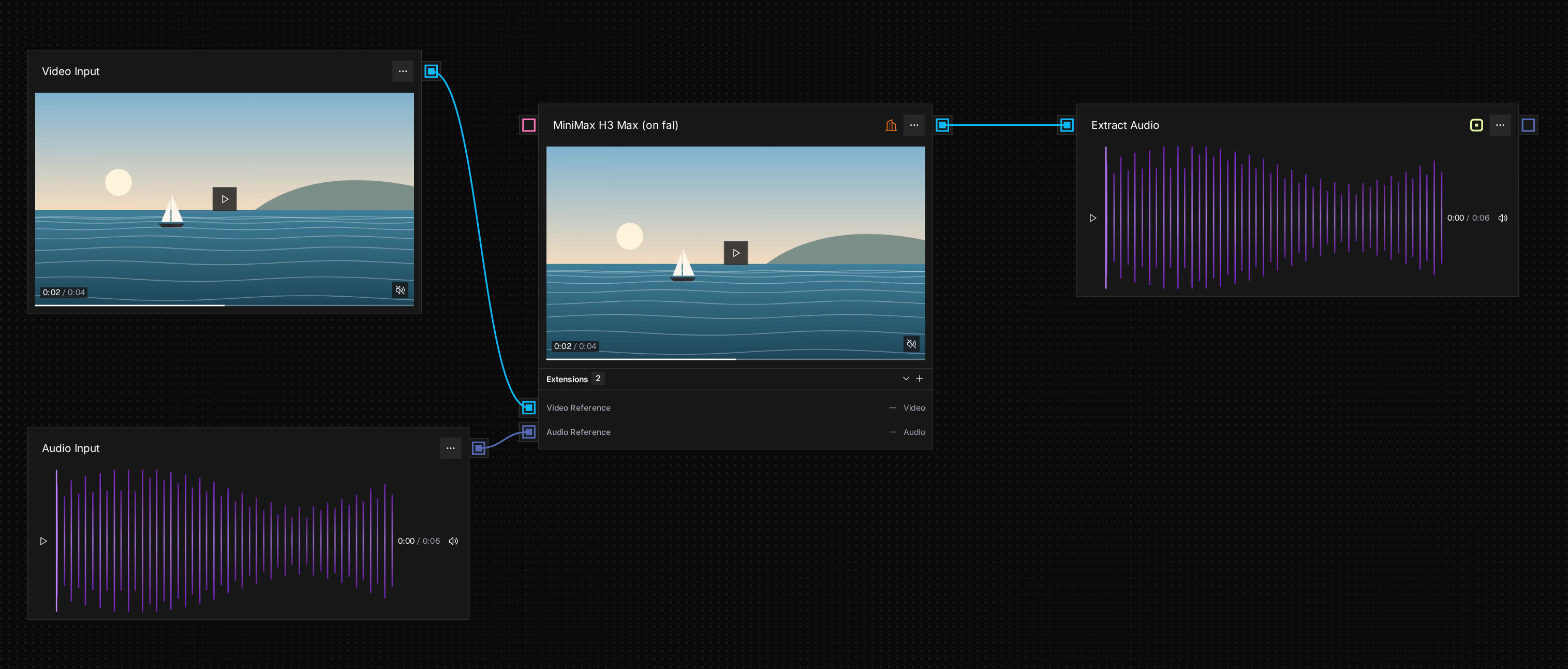
MiniMax H3 Max used to create a coastal clip from video and musical references, with Extract Audio separating its soundtrack for reuse. Media and results are illustrative.
An audio reference guides generation. To put an exact recording on the finished video, use Set Video Audio. To reuse the generated soundtrack separately, connect Video to Extract Audio.
Settings
| Setting | What it does |
|---|---|
| Resolution | Sets output size. Max supports 480P, 768P, and 1080P. |
| Aspect Ratio | Sets the output shape for text or reference generation. Keyframes determine the shape when connected. |
| Seed | Uses a fixed starting seed or a fresh random seed for each execution. |
| Prompt Expansion | Uses balanced prompt expansion to rewrite the prompt before generation. |
For LoRA adapters or 2K and 4K output, use MiniMax H3. The Max Node does not expose LoRA extensions.
Inputs and output
| Port | Type | Purpose |
|---|---|---|
| Prompt | String | Required scene and sound description. |
| First Frame, Last Frame | Image | Optional opening and ending guidance. |
| Image Reference | Image | Optional subject or style guidance. |
| Video Reference | Video | Optional motion or scene guidance. |
| Audio Reference | Audio | Optional sound guidance alongside visual references. |
| Video | Video | Generated clip with embedded sound. |