Resize Video
Resize Video changes every frame to the width and height you choose. Use it to prepare a clip for another Node or make a smaller version while keeping its timing and soundtrack.
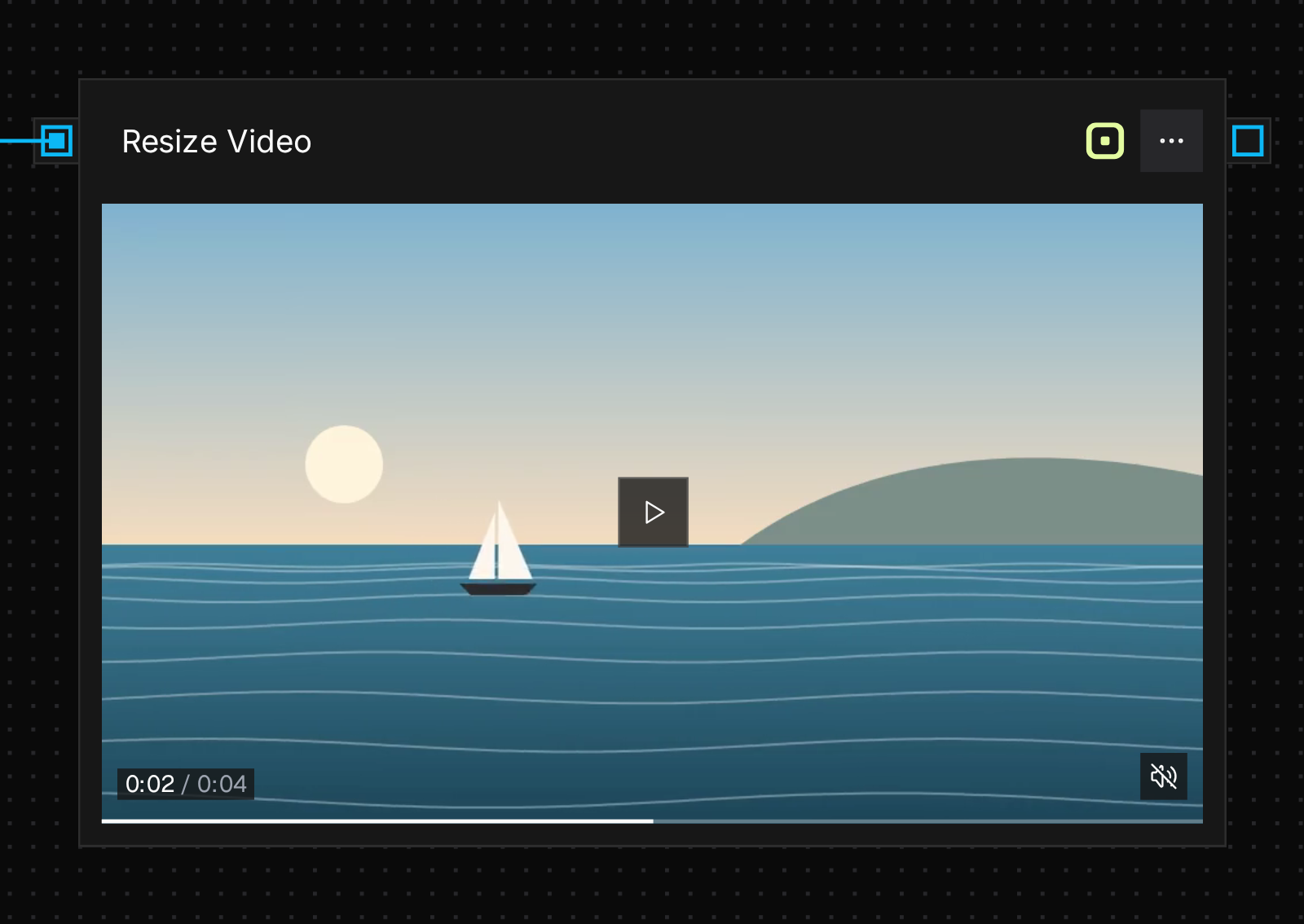
The preview is illustrative media showing where the resized video appears.
Choose an output size
- Connect a clip from Video Input or another Node to Video.
- Select Resize Video to open its settings.
- Select Switch to width and height if the settings show aspect ratio and size controls.
- Enter Width and Height in pixels. For example, use
640and360for a smaller 16:9 clip. - Run the Node and use its Video output.
Both dimensions are entered directly as whole numbers. They cannot be supplied by connected Nodes.
Keep the picture's proportions
Resize Video uses the exact dimensions you enter. If their ratio differs from the source, the picture stretches or squeezes to fit. It does not crop the picture or add borders.
Choose the same aspect ratio as the source to preserve its proportions. For example, a 1280 × 720 clip and a 640 × 360 clip are both 16:9.
What stays the same
The output keeps the source's frame count, frame order, frame rate, and channel count. Its audio passes through unchanged, including silence. Resizing does not shorten the clip, slow it down, or replace its soundtrack.
Prepare a clip with music
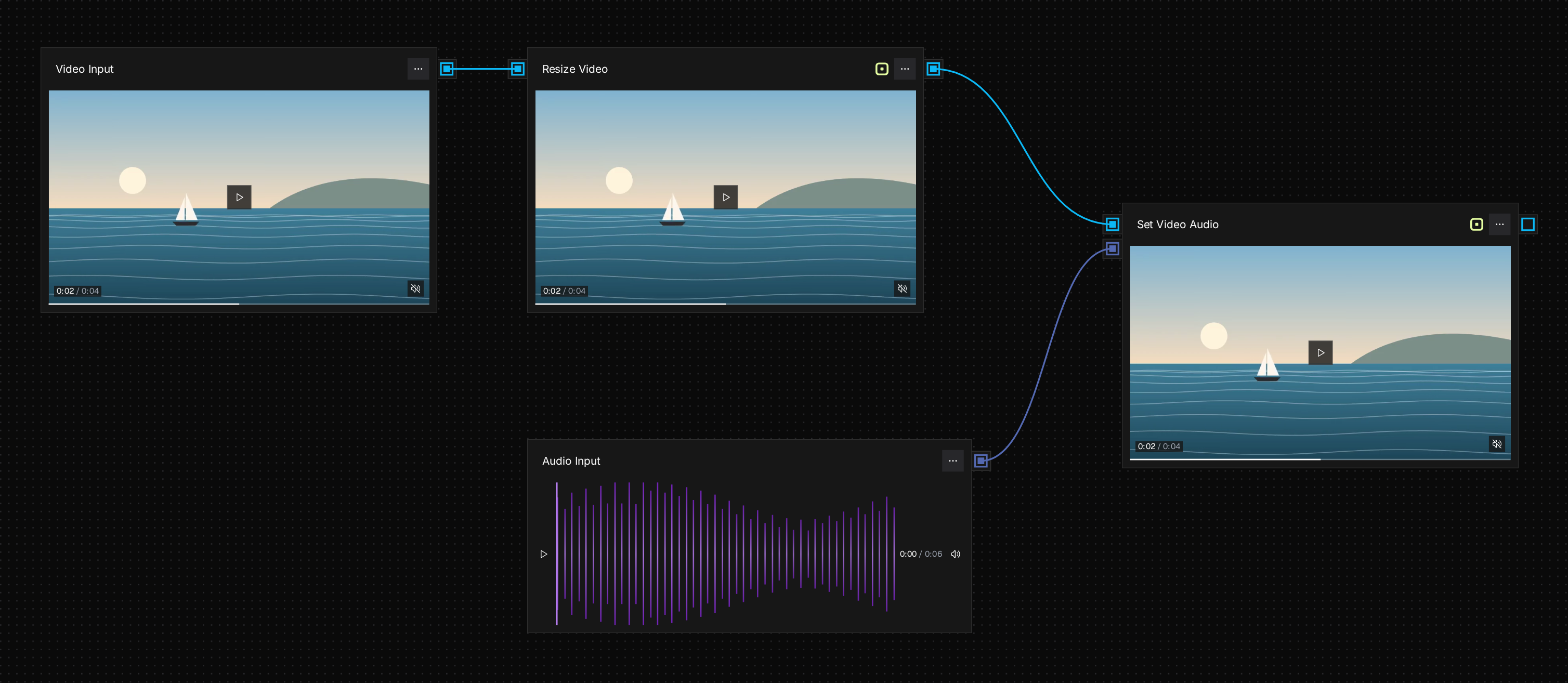
Resize Video used to prepare a smaller coastal clip before adding music with Set Video Audio; media and outputs are illustrative.
Set Video Audio replaces the soundtrack after resizing. Use Resize Video's Video output wherever another Node accepts a Video, subject to that Node's own size and timing requirements.
Limits
Each output side must be at least 32 pixels. Width and height accept whole numbers up to 4,294,967,295, but this numeric range is not a usable maximum resolution: the video's decoded size and the Graph's processing budget impose much smaller practical limits.
A longer clip needs more data at the same resolution. If a requested size exceeds the available limits, reduce the dimensions. See Video for shared size and frame-rate limits.