Wan 2.1 14B
Wan 2.1 14B creates a video from a text description. With only Prompt connected, it generates a new scene. Add Reference to start from an image.
Studio uses the official Wan 2.1 text-to-video and image-to-video models.
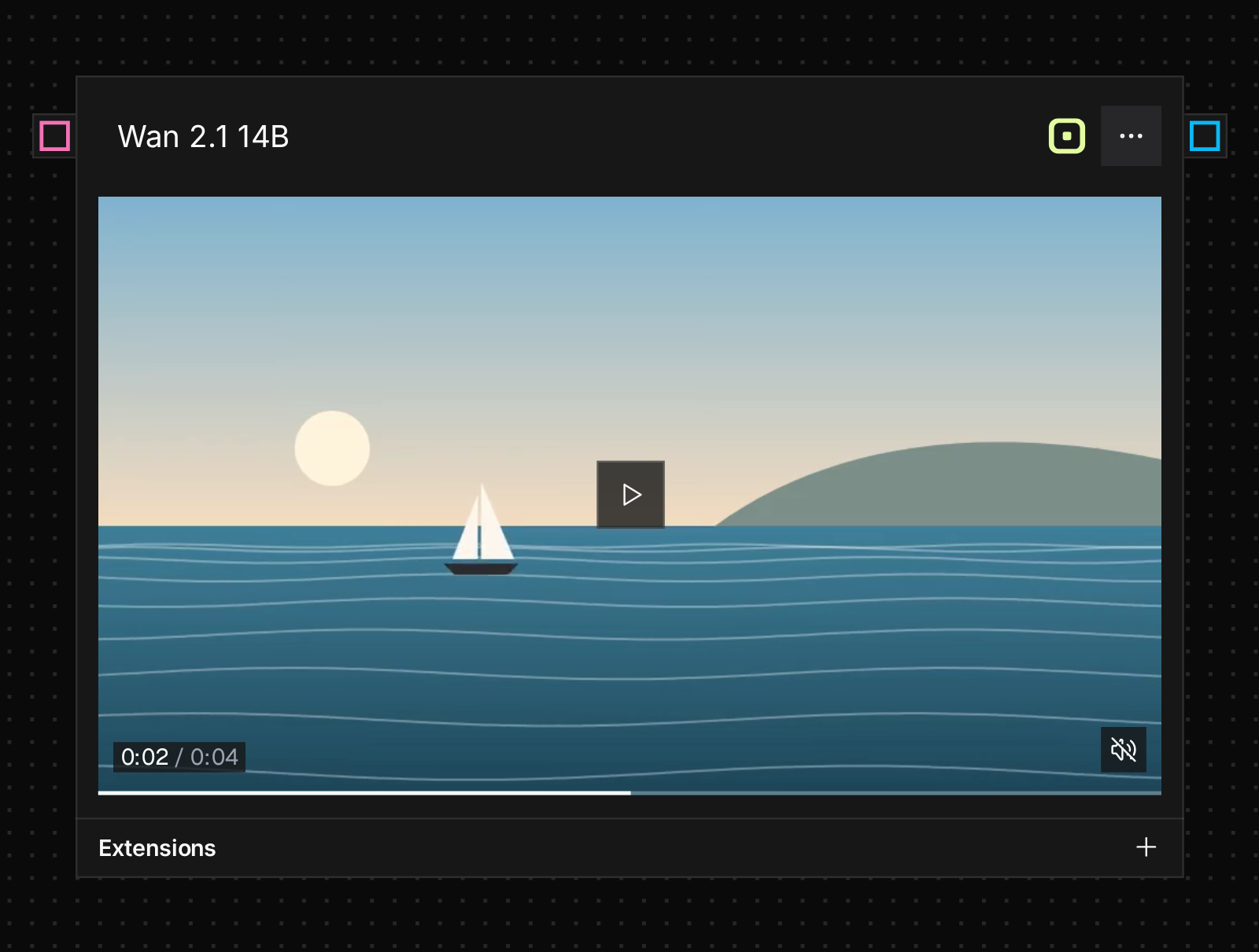
The video is illustrative placeholder media, not a checked generation result.
Generate a clip
- Add Wan 2.1 14B to your Graph.
- Connect Text Input to Prompt. Describe the subject, motion, and surroundings.
- Set the output dimensions and Frame Count in the Node's settings.
- Run the Node and inspect Video.
The output is a silent RGB video at 16 frames per second. For example, 81 frames produce a clip lasting about 5.06 seconds. Add a soundtrack with Set Video Audio.
Start from an image
- Add Reference from the Node's Extensions menu.
- Connect an Image to Reference.
- Keep a text prompt connected to describe the motion you want.
- Choose Frame Count, then run the Node.
The image guides the first frame and determines the video size. Studio rounds each image dimension up to a multiple of 16 and extends the edge pixels to fill the added space. The Width and Height controls no longer determine the size.
Adjust guidance
Add the Guidance Model Extension to expose Negative Prompt and CFG.
Use Negative Prompt to describe things to avoid. Supplying it replaces the model's built-in negative prompt; an empty String clears that prompt. CFG controls text guidance strength and must be finite. Studio does not enforce a narrower numeric range for CFG.
Use latent connections
Add Latent I/O to expose a Latent input and output. These use normalized Wan Tensor data shaped [16, T, H, W], with positive axis sizes. See the Wan compression ratio and latent convention for the exact channel and normalization rules.
A connected latent determines the dimensions and frame count instead of the corresponding settings. Studio pads its spatial axes to even sizes when needed. The resulting video has 8 × W by 8 × H pixels after that padding, and 4 × (T − 1) + 1 frames. The supplied latent is used directly as the starting state; Studio does not add fresh random noise to it.
Reference and Latent I/O can be used together. In that case, Studio fits the reference image within the latent's canvas, preserving its aspect ratio and extending its edge pixels into any remaining space.
Use Wan VAE Encode to prepare compatible latent data from video, and Wan 2 VAE Decode to view a latent. The Latent output includes the full processed canvas, before any video cropping.
Settings and limits
| Setting or input | Requirement |
|---|---|
| Prompt and Negative Prompt | Tokenization is limited to 512 tokens. A token can be part of a word; this is not a 512-character allowance. |
| Width and Height | Positive whole numbers. Shared Video limits also apply. Processing rounds each side up to a multiple of 16. Text-only output is cropped back to the requested dimensions. |
| Frame Count | A positive whole number of the form 4n + 1, such as 81 or 85. A connected latent supplies the count instead. |
| Inference Steps | A positive whole number. |
| Sampler | Euler or UniPC. |
| Shift | A finite number greater than zero. Steps and shift must produce a valid decreasing sampling schedule. |
| Seed | Choose a fixed seed or a new random seed when the Node executes. |
The processed canvas must be at most 4,096 pixels per side and 4,194,304 pixels in total. Size and duration also share one limit:
ceil(width / 16) × ceil(height / 16) × (1 + ceil((frames − 1) / 4)) ≤ 302,400
Larger frames leave room for fewer frames. Reduce the dimensions or frame count if this check fails. The shared value-size and Run limits can restrict a request further.
Each of Reference, Guidance, and Latent I/O can be added once.
Give a generated coast a soundtrack
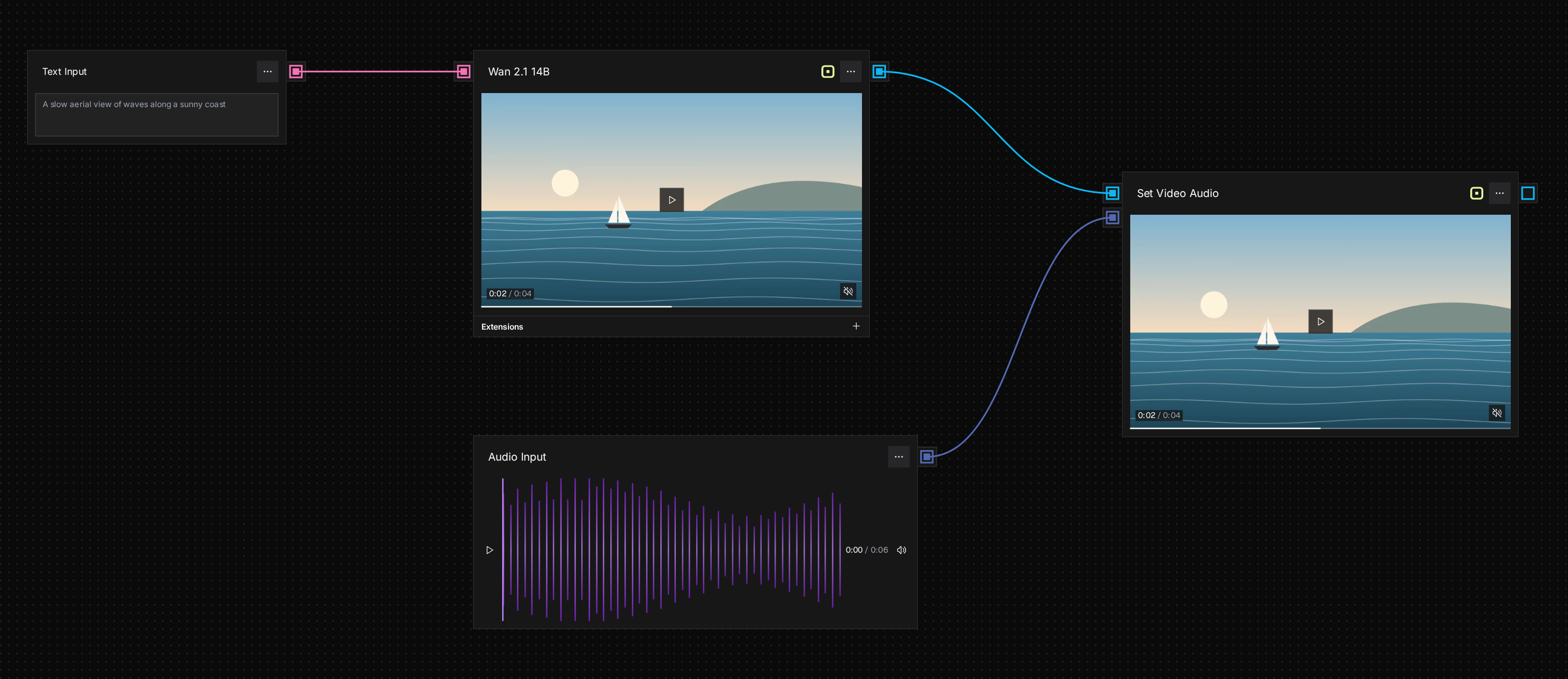
Wan 2.1 14B used to create a coastal scene with a musical soundtrack; all media and generated outputs are illustrative.