Z-Image Turbo
Z-Image Turbo creates an image from a text description. Supply a prompt to generate one image; choose its dimensions and sampling settings when you need more control.
Studio uses Alibaba's Z-Image Turbo model.
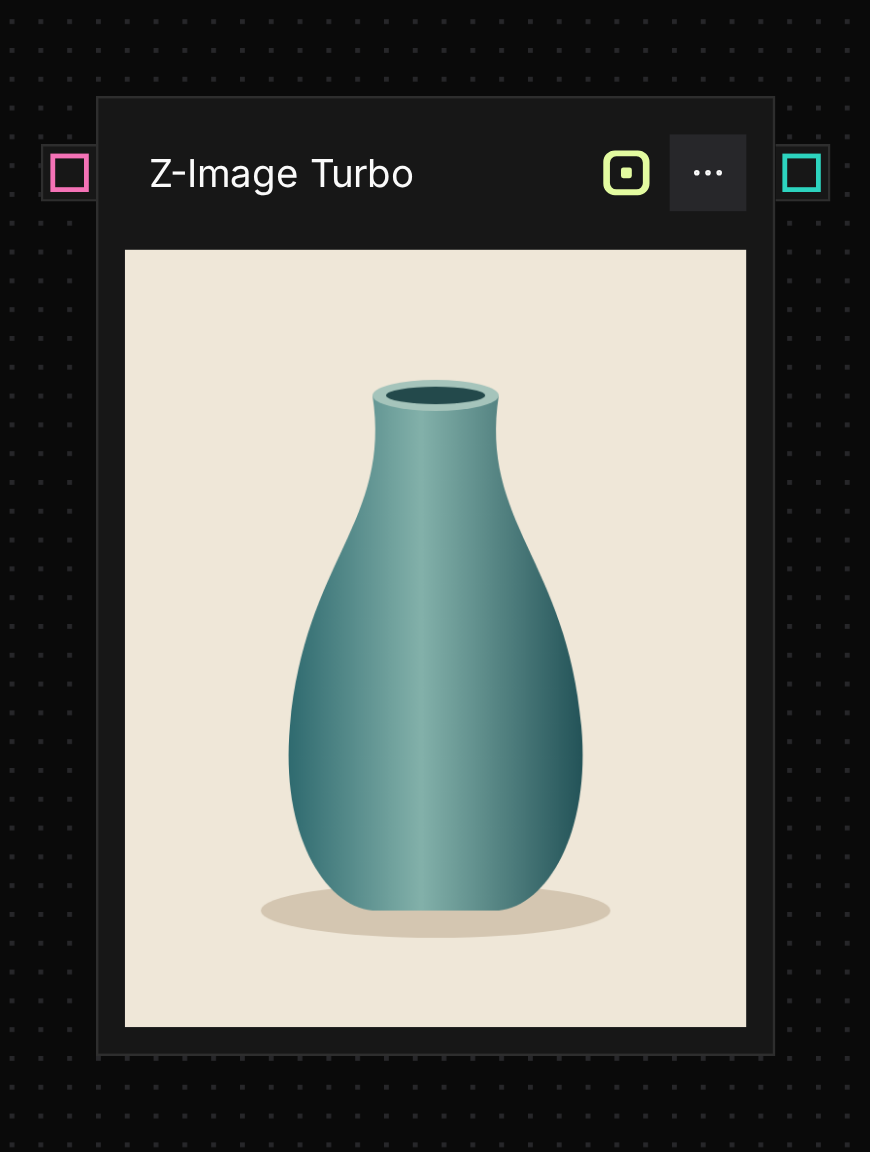
The vase is an illustrative placeholder, not a checked generation result.
Generate an image
- Add Z-Image Turbo to your Graph.
- Connect Text Input to Prompt and describe the image you want.
- Select Z-Image Turbo and choose the image dimensions in its settings.
- Run the Node, then inspect its Image output.
Put the most important details early in a long prompt. Studio uses the first 512 tokens, including the model's prompt formatting. Tokens are pieces of text, not a character count, so the amount of prompt that fits varies with the words and language.
Adjust generation
| Setting | What it controls |
|---|---|
| Width and Height | The output dimensions in pixels. |
| Seed | The random starting point. Use a fixed seed to keep that starting point, or random mode for a new one when the Node executes. |
| Inference Steps | The number of sampling steps. It must be a positive whole number. |
| Sampler | The sampling method: Euler or UniPC. |
| Shift | How sampling levels are spaced. It must be finite and greater than zero. |
The output has exactly the requested dimensions. Each side must be 32 to 8,192 pixels, including Studio's shared minimum. You do not need to use multiples of a particular size.
Large images and high step counts can exceed a Run's processing limits. The controls' displayed ranges are not a promise that every combination will run. If Studio rejects the settings, check the dimensions, step count, and shift before trying again.
Turn an image concept into a model
Connect Image to Tripo H3.1 Image to 3D to develop a written object description into an image concept and then a 3D model.
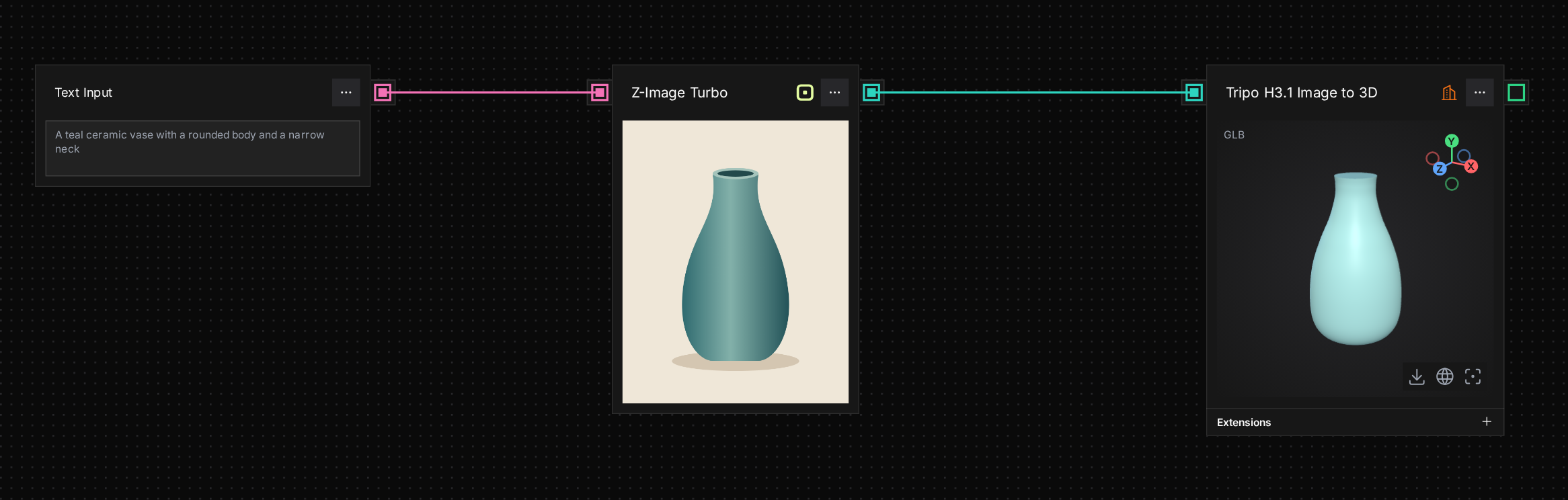
Z-Image Turbo used to develop a vase concept for a 3D model; both generated outputs are illustrative placeholders.
Inputs and output
Prompt accepts a String. Image produces one RGB Image, without an alpha channel.
This Node has no reference-image input, negative prompt, or Model Extensions. To edit an existing image, choose a Node with an image-reference or editing input, such as Flux 3 Image.